Runs/svg · sample · Opus 5.5 · max/011
svg · sample · Opus 5.5 · max · trial 011 of 32
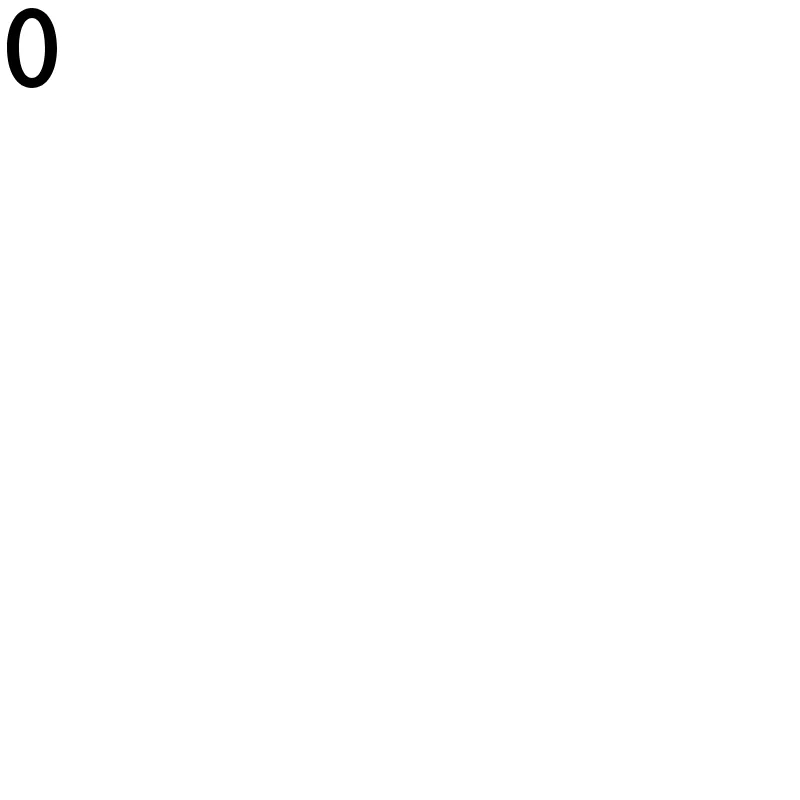
offline render, Chrome 154, light scheme, 2 s of virtual time
runs in a sandboxed frame with no origin; live pages may fetch CDN fonts the offline render did not
<svg xmlns="http://www.w3.org/2000/svg" width="64" height="96" viewBox="0 0 64 96" role="img" fill="currentColor">
  <title>0</title>
  <path d="M32 8C47 8 57 24 57 48S47 88 32 88 7 72 7 48 17 8 32 8Z
           M32 18C24 18 19 30 19 48S24 78 32 78 45 66 45 48 40 18 32 18Z"/>
</svg>
What the model said
Status: the new file is written. I couldn't validate or render it, because running `xmllint` and `resvg` needs approval and nobody can give it in this session. I checked the path by hand instead.

**What changed:** the original file was an empty `<svg/>` that displayed nothing. The only clue was the filename, so I made it a numeral zero.

- **Size:** it now has a `viewBox="0 0 64 96"` plus matching `width` and `height`, so it has a real size and scales cleanly.
- **Shape:** it's a single path, not `<text>`, so it looks the same whatever fonts are installed. The zero is a slightly squared oval. The sides are 12 units thick and the top and bottom are 10, which gives it a typeface-like look. The hole works without needing a `fill-rule`.
- **Color:** `fill="currentColor"` makes it match the surrounding text color when embedded in HTML. Loaded through `<img>`, it shows as black.
- **Accessibility:** I added `role="img"` and `<title>0</title>`.

**Checked by hand only:** the path syntax and the direction the hole is drawn. I also worked out the thickness at several points around the curve: it goes evenly from 10 to 12 with no thin spots. To see it rendered, run:

```
xmllint --noout 0.svg && resvg --zoom 5 --background white 0.svg preview.png
```

If you meant something other than a digit, or a different style, tell me and I'll change it.