Runs/svg · sample · Opus 5.5 · max/010
svg · sample · Opus 5.5 · max · trial 010 of 32
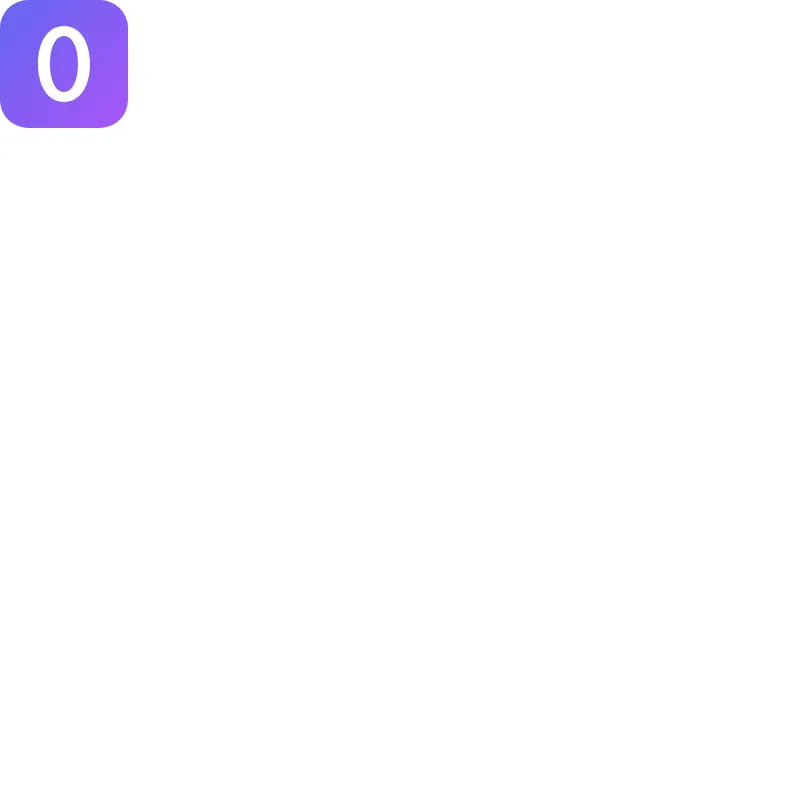
offline render, Chrome 154, light scheme, 2 s of virtual time
runs in a sandboxed frame with no origin; live pages may fetch CDN fonts the offline render did not
<svg xmlns="http://www.w3.org/2000/svg" width="128" height="128" viewBox="0 0 128 128" role="img">
  <title>Zero</title>
  <defs>
    <linearGradient id="bg" x1="0" y1="0" x2="1" y2="1">
      <stop offset="0" stop-color="#6366f1"/>
      <stop offset="1" stop-color="#a855f7"/>
    </linearGradient>
  </defs>
  <rect width="128" height="128" rx="28" fill="url(#bg)"/>
  <path fill="#fff" fill-rule="evenodd" d="M64 26C79.6 26 90 41.2 90 64S79.6 102 64 102 38 86.8 38 64 48.4 26 64 26ZM64 36C55.6 36 50 47.2 50 64S55.6 92 64 92 78 80.8 78 64 72.4 36 64 36Z"/>
</svg>
What the model said
I replaced the empty `0.svg` with a "0" badge, but I couldn't render or validate it, so I haven't actually seen it.

The original file was just a bare `<svg>` tag with no content, size, or `viewBox`, so it showed nothing. The filename was the only clue to what it should be, so I went with a zero:

- **Size:** 128×128 with a matching `viewBox`, so it has a set default size and scales cleanly.
- **Look:** a rounded indigo-to-purple square with a white zero in the middle.
- **The zero:** drawn as a shape rather than as text, so it looks the same on every machine whatever fonts are installed. Its sides are a little thicker than its top and bottom, like the zero in a real typeface.
- **Accessibility:** a title ("Zero") and `role="img"`, so screen readers announce it.

**Not checked:** `xmllint` and a Quick Look preview render both needed approval, and this session can't grant it. I checked the markup and shape coordinates by hand. Open the file in a browser to see if it looks right.

If the file was meant to contain something else, the tool that made it saved it empty. In that case, or if you'd rather have a plain zero without the coloured square, tell me what it should show and I'll redo it.