Runs/svg · sample · Haiku 4.5 · high/031
svg · sample · Haiku 4.5 · high · trial 031 of 32
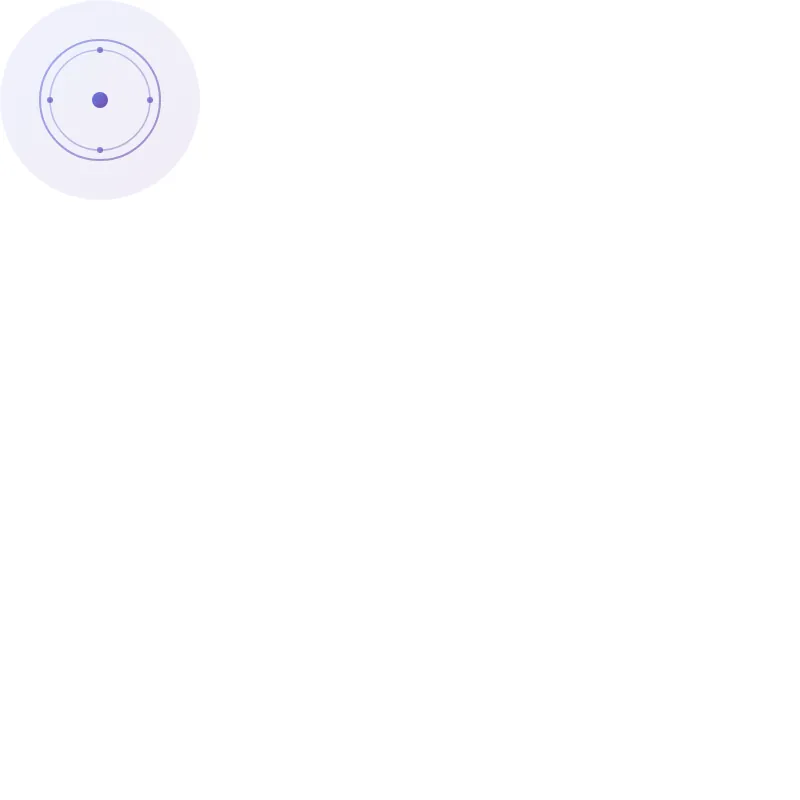
offline render, Chrome 154, light scheme, 2 s of virtual time
runs in a sandboxed frame with no origin; live pages may fetch CDN fonts the offline render did not
<svg xmlns="http://www.w3.org/2000/svg" viewBox="0 0 200 200" width="200" height="200">
  <defs>
    <linearGradient id="grad1" x1="0%" y1="0%" x2="100%" y2="100%">
      <stop offset="0%" style="stop-color:#667eea;stop-opacity:1" />
      <stop offset="100%" style="stop-color:#764ba2;stop-opacity:1" />
    </linearGradient>
  </defs>

  <!-- Background -->
  <circle cx="100" cy="100" r="100" fill="url(#grad1)" opacity="0.1"/>

  <!-- Central decorative circle -->
  <circle cx="100" cy="100" r="60" fill="none" stroke="url(#grad1)" stroke-width="2" opacity="0.6"/>
  <circle cx="100" cy="100" r="50" fill="none" stroke="url(#grad1)" stroke-width="1.5" opacity="0.4"/>

  <!-- Central dot -->
  <circle cx="100" cy="100" r="8" fill="url(#grad1)"/>

  <!-- Radiating elements -->
  <g opacity="0.8">
    <line x1="100" y1="40" x2="100" y2="60" stroke="url(#grad1)" stroke-width="2" stroke-linecap="round"/>
    <line x1="100" y1="140" x2="100" y2="160" stroke="url(#grad1)" stroke-width="2" stroke-linecap="round"/>
    <line x1="40" y1="100" x2="60" y2="100" stroke="url(#grad1)" stroke-width="2" stroke-linecap="round"/>
    <line x1="140" y1="100" x2="160" y2="100" stroke="url(#grad1)" stroke-width="2" stroke-linecap="round"/>
  </g>

  <!-- Accent dots -->
  <circle cx="100" cy="50" r="3" fill="url(#grad1)" opacity="0.8"/>
  <circle cx="100" cy="150" r="3" fill="url(#grad1)" opacity="0.8"/>
  <circle cx="50" cy="100" r="3" fill="url(#grad1)" opacity="0.8"/>
  <circle cx="150" cy="100" r="3" fill="url(#grad1)" opacity="0.8"/>
</svg>
What the model said
Done! I've improved the SVG with:

- **Proper dimensions** (200x200 viewBox with matching width/height)
- **Gradient fill** (purple to blue gradient for visual appeal)
- **Concentric circles** creating a focal point
- **Radiating elements** extending in four cardinal directions
- **Accent dots** at cardinal points
- **Opacity layering** for depth and visual interest

The result is a clean, modern compass-like design that renders as a visually balanced pattern.